


Make any graphic look like a real vintage print.
34 looks in one Photoshop panel. One click puts the wear on your whole design, and your layers never change.
Thrift Lord Vintage Actions Vol. 1 + 2, rebuilt as one panel with sliders
or 4 interest-free payments of $23.75$7.13
What you need: A Mac with Photoshop 2026 (version 27) or newer and the Creative Cloud desktop app. Windows isn't supported yet.

 by GFXWRLD
 Original artworkTake the look off your design


Watch it work.
One design, start to finish: pick a look, drag Distress, change the ink, reset, try another.
 Watch the demo 1:49
Googling "grunge texture" doesn't work.
One overlay on everything
A grunge PNG on top wears the whole graphic the same way. No shirt ever aged that evenly, and customers scroll right past it.
The file gets wrecked
Merged layers, erased pixels, a texture baked in. When the client asks for one change, you're rebuilding the graphic from scratch.
One shot, no sliders
An Action runs once and hands you whatever it made. Too heavy, wrong color, cracks in a bad spot? Undo and run it again.
Real wear. Fully adjustable. Gone with one click.
Every look stays adjustable.
Pick a control, then drag or tap. Every image here is a real render from the plugin in Photoshop.

Your layers never change.
All the wear lives in one layer mask on a group. Your layers sit inside it, untouched. Hit Reset and the file is back exactly how you had it.
Result / Medium Crackle
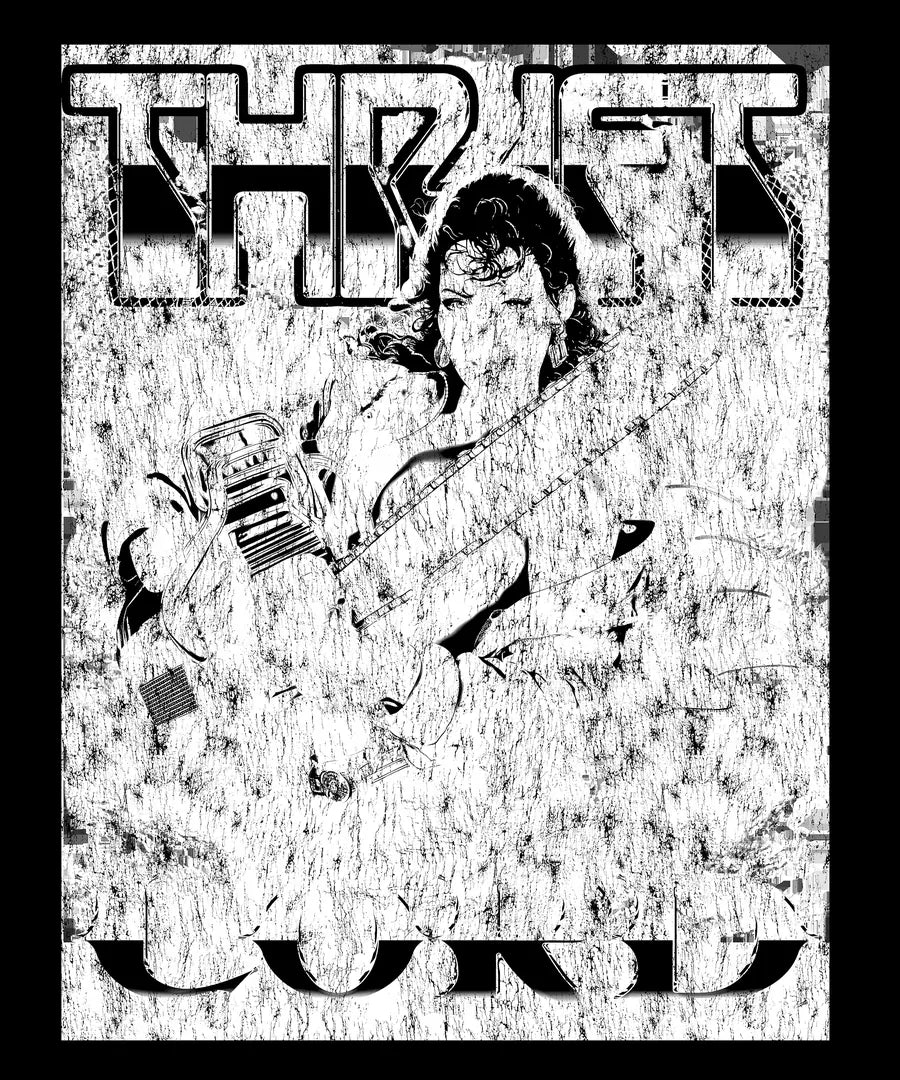
Want to paint some wear back by hand? Add a mask to the Artwork group and brush on it. Thrift Lord only ever writes to its own mask.
34 looks. Four sets.
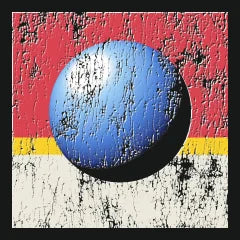
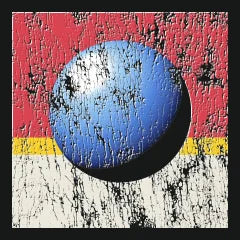
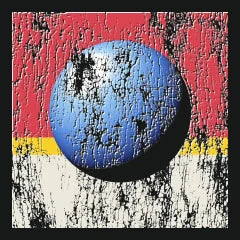
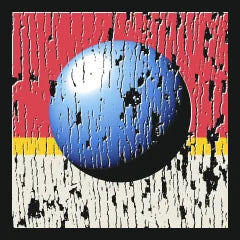
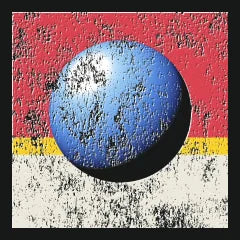
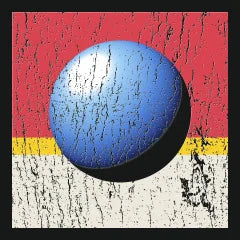
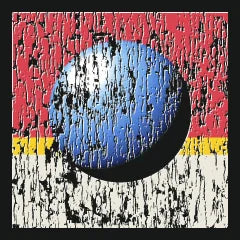
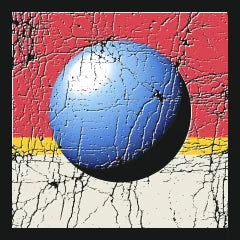
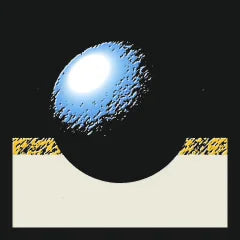
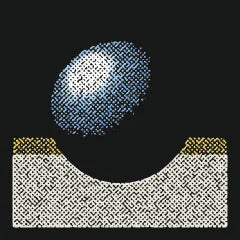
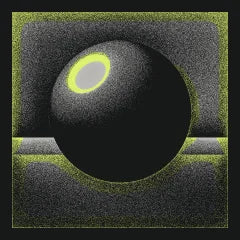
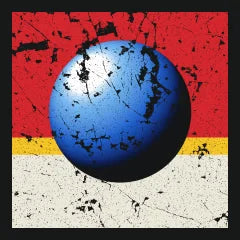
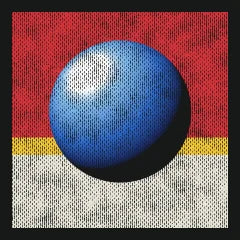
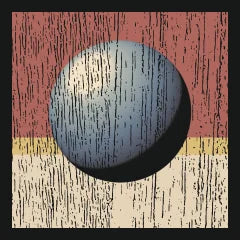
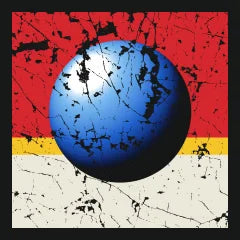
Every look has a swatch in the panel, like Photoshop's Styles panel. Click one and it lands on the whole design. Click another and it restyles the same group.
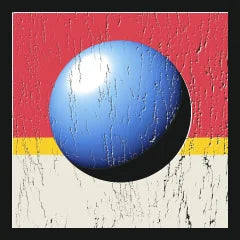
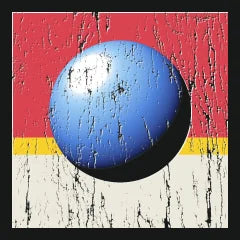
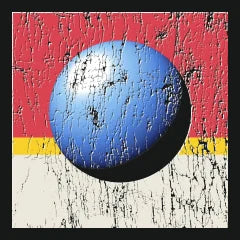
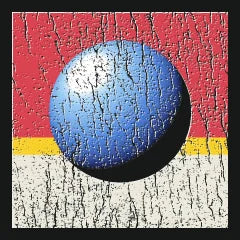
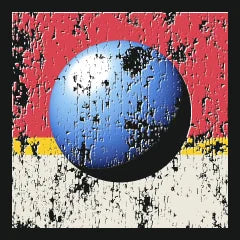
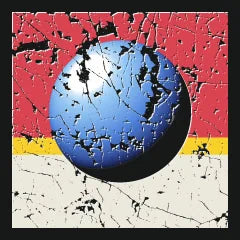
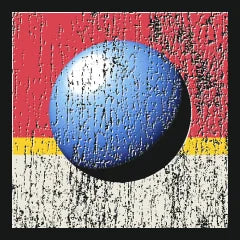
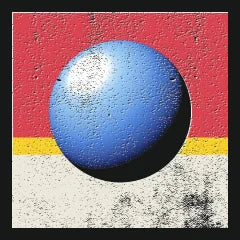
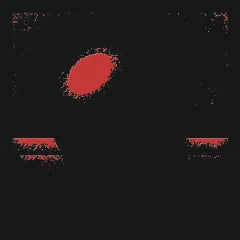
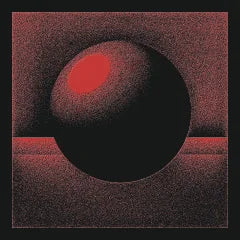
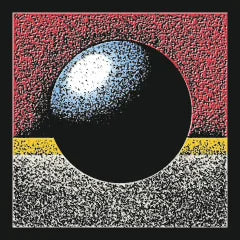
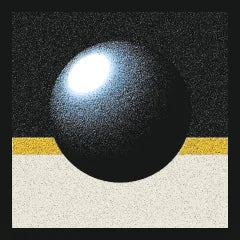
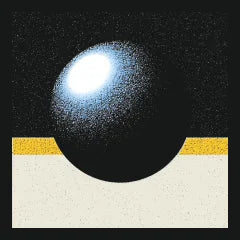
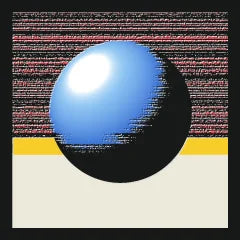
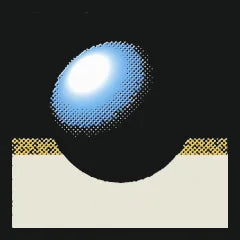
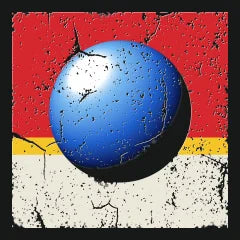
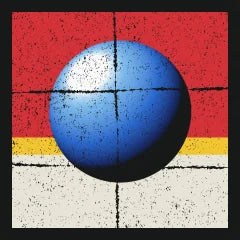
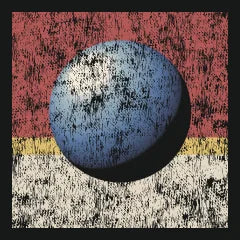
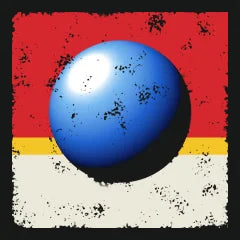
Hi-res textures
Two texture slots, each with its own amount, size and softness. Run two textures in one look.
Main controls
Distress, Shuffle, Underbase, Color shift and Ink color. Always in view once a look is on.
Fine tuning
5 kinds of grain, fold creases, edge wear, black knockout, fade, wash out and yellowing. Plus hard edges for DTF.
Three steps to worn.
Install
Double-click the .ccx file. Creative Cloud installs it and it shows up under Plugins > Thrift Lord.
Click a look
Open your design and click a swatch. The look lands on the whole thing. Nothing to select, nothing to flatten.
Dial it in
Drag Distress, hit Shuffle, set the ink. Turn on hard edges for DTF, then send it to print.
The plugin vs. the other ways
| Compare | Thrift Lord plugin | Vintage Actions | One grunge overlay | Hire a designer |
|---|---|---|---|---|
| Cost | $95$28.50 once | Per pack | Free to cheap | Per design |
| Looks | 34 | 10 per pack | 1 | Whatever you brief |
| Adjust after it's applied | Sliders | Undo and rerun | Opacity | Revision round |
| Your layers stay as they are | ✓ | Depends on the Action | ✓ | — |
| Back to the original | One click | History panel | Delete the layer | Ask for the source file |
| Time per graphic | Seconds | Minutes | Minutes | Days |
| Commercial use | ✓ | ✓ | Varies | ✓ |

Try a look. Hate it? Reset.
Nothing Thrift Lord does is permanent. The wear is one mask on one group, and Reset to original puts every layer back where it was. One undo step per look.
Instant download / Secure checkout / Shop Pay, PayPal, all major cards01What do I need to run it?
A Mac with Adobe Photoshop 2026 (version 27) or newer, and the Creative Cloud desktop app to install it.
02Does it work on Windows?
Not yet. Thrift Lord is Mac only for now.
03How do I install it?
Download the .ccx file and double-click it. Creative Cloud installs the plugin, and it shows up in Photoshop under Plugins > Thrift Lord.
04Will it mess up my file?
No. Your layers go into an Artwork group, untouched, and all the wear is one layer mask on the group above it. Reset to original deletes the helper layers and puts your file back how it was.
05Is it built for printing?
Yes. The wear knocks out of the graphic as real transparency, so it prints as bare garment. Hard edges removes every half-transparent pixel for DTF, and the halftone and one-ink looks are made for screen print.
06I own the Thrift Lord Actions. What's different?
The plugin runs the looks from Vintage Actions Vol. 1 and Vol. 2, plus 6 crackles and 8 new looks, all from one panel. The difference is control: every look stays adjustable with sliders, and Reset takes it off in one click. Your Actions still work on their own.
07What about big files?
It's built for full-size print files. On a 15 x 18 in canvas at 300 ppi, most looks land in a few seconds. Print styles take longer, around 10 seconds, because they run Photoshop's own filters once per look.
08I added a layer after applying a look. Now what?
New layers sit outside the Thrift Lord group. Hit Reset, then pick the look again and it covers everything.
09Is this a subscription?
No. One payment, instant download.
10Can I use it on merch I sell?
Yes. Use it on client work, your own drops and anything you sell.
Make it look worn. Keep it editable.
34 looks. 46 textures. One panel.
or 4 interest-free payments of $23.75$7.13 with Shop Pay / Mac, Photoshop 2026 and up